



Checkout
Ce guide est en anglais.
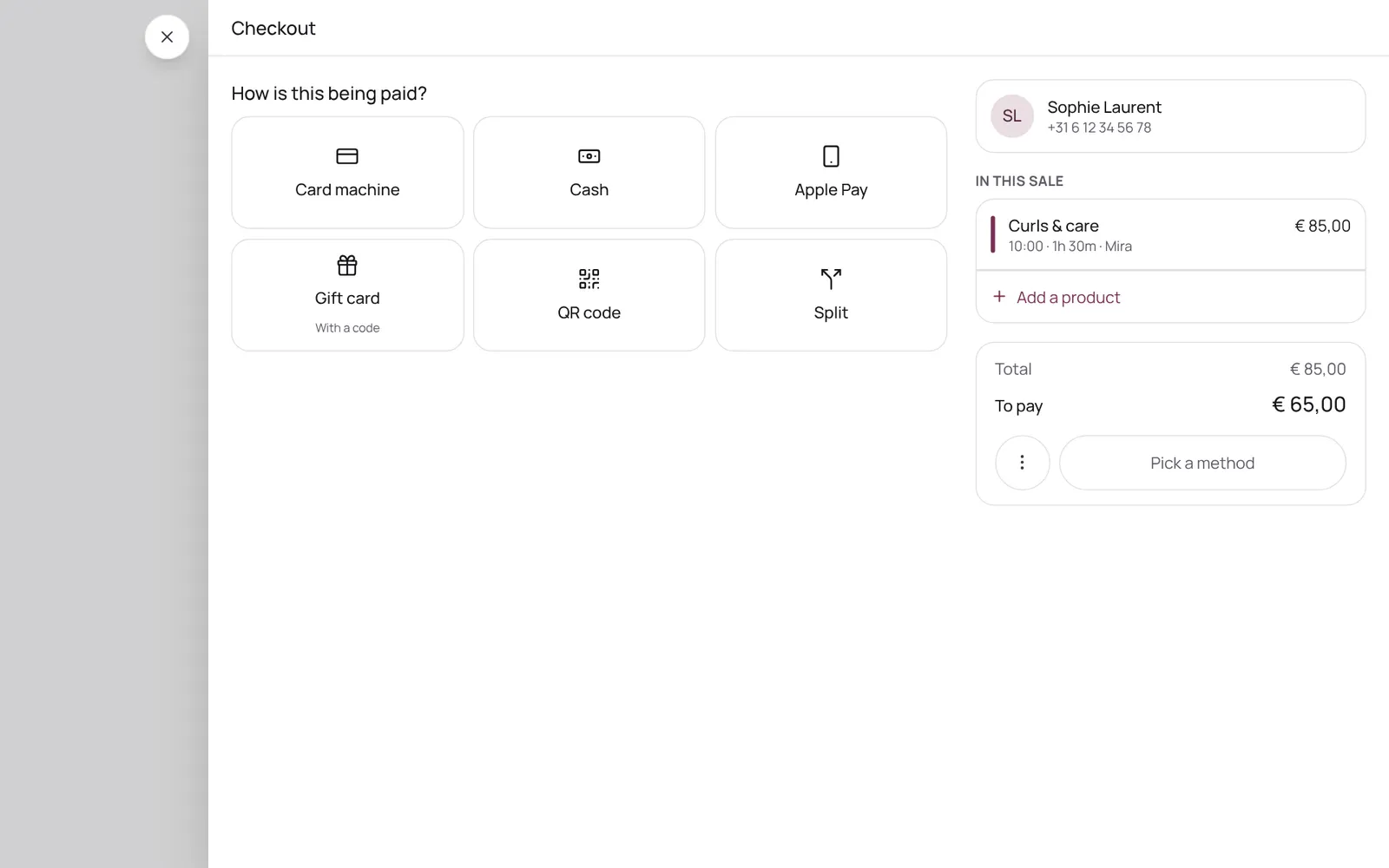
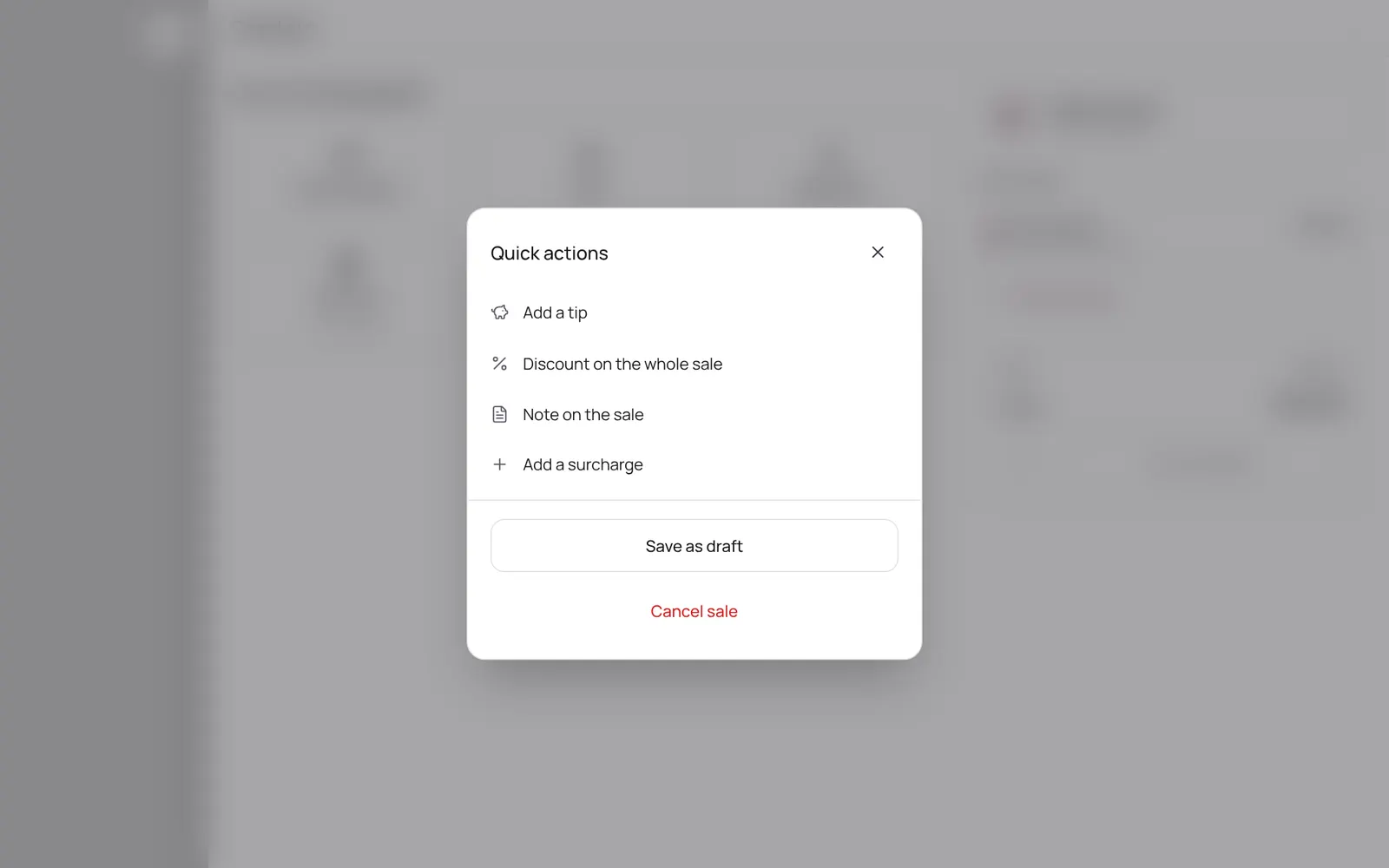
Checking out an appointment or a separate sale: the cart, discount, a gift card or stamp card, and the payment method (card, cash, transfer, QR code, or split). An invoice is made.
Où le trouver
Où le trouverCe n’est pas un écran à part dans NOZAIA.
Comment ça marche
- Open the appointment and tap Checkout, or start a separate sale.
- Choose How is this being paid and confirm.
- Which methods you see is set at Settings → Payments → Payment methods.
- A tip through the card reader or QR code is recorded separately: not as revenue, not on the invoice and without VAT; you see it in the reports per team member.
- If an appointment costs nothing (0.00), you complete it without checking out.
Bon à savoir
- Les membres de l’équipe ont besoin de l’autorisation « Checkout ». Le propriétaire la règle dans Settings → Team → Roles and permissions (l’app est en anglais).
Guides associés
- Paying with a QR code at the counterThe client scans a QR code with their own phone and pays online, with your own payment provider (Stripe or Sentoo). It can also be shown on your own phone.
- Connecting a payment providerConnecting your own account with a payment provider so clients can pay online. Which one depends on the country: Stripe in most countries, Sentoo on Aruba, Curaçao, Bonaire and Sint Maarten, PayTabs in the Gulf states, Egypt and Morocco, Paystack in four African countries, Mopé in Suriname.
- Deposit for online bookingsA client pays part or all of the amount when booking online. Set per treatment: none, a percentage or a fixed amount. The money goes straight to your own account, not through NOZAIA.
- No-show protection (card on file)When booking online, clients save their card and tick your rules. Nothing is charged. If someone doesn't show up or cancels too late, you charge the fee with one button: a percentage of the price or a fixed amount. Nothing is ever charged automatically. Only works if your clients pay online through Stripe.
Ce guide vous a-t-il aidé ?
Vous êtes bloqué ?
Dans NOZAIA, ouvrez le Support en bas de la barre latérale (sur téléphone : dans le menu sous votre nom). Il sait sur quel écran vous êtes, et s’il ne peut pas aider, votre question part à notre équipe.
Vérifié le 17 octobre 2026