



Schedule and working hours
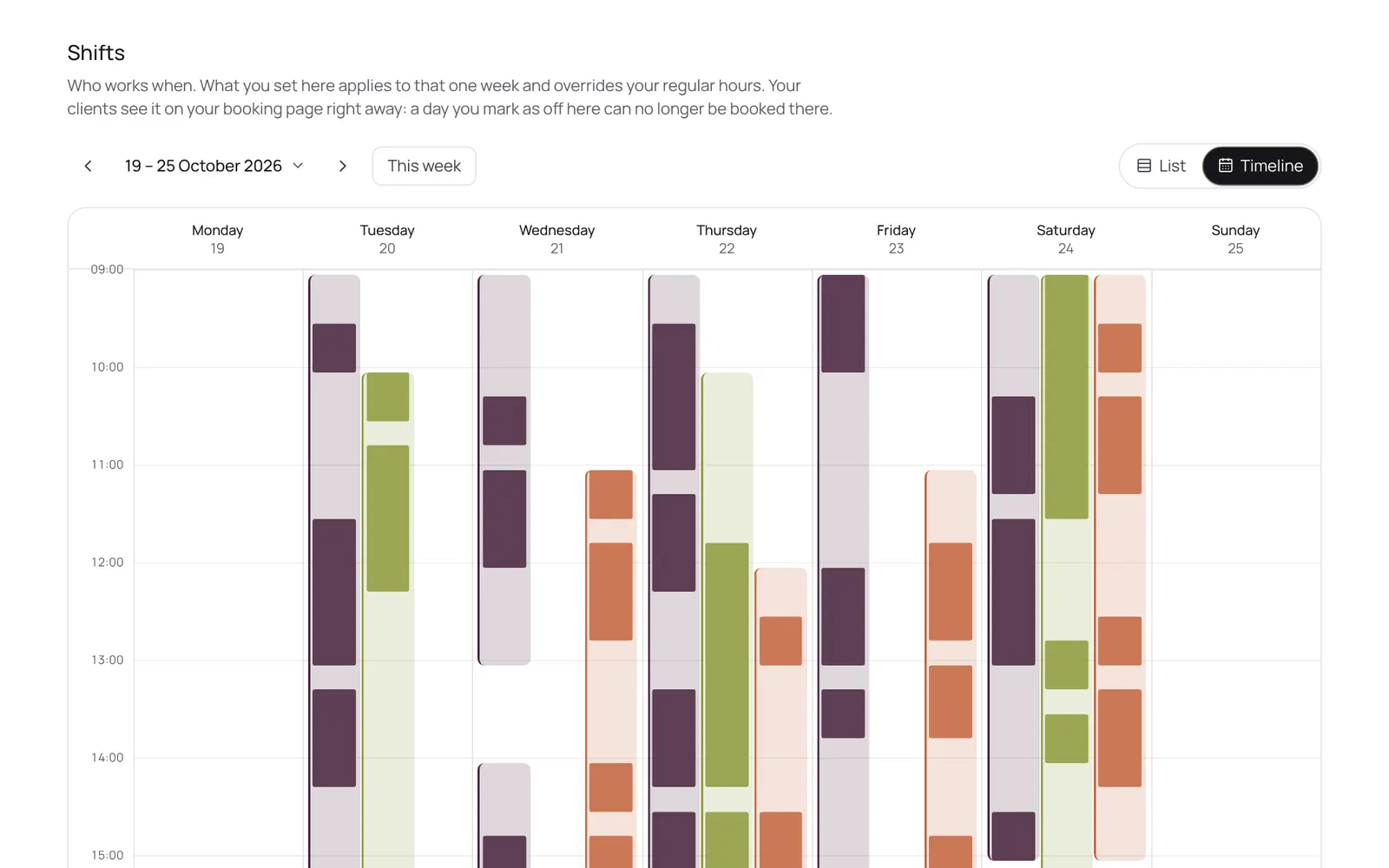
Who works when: per day, or as a fixed weekly pattern that carries on. Per day you can also mark someone as off, and choose which treatments someone does that day.
Where to find it
Where to find itSettings → Scheduling → Shifts
How it works
- Settings → Scheduling → Shifts, or via the sidebar.
- Tap a team member's day to set hours, or use Carry over to copy a week across the following weeks.
- Separate time off or holidays go in the calendar as blocked time.
Good to know
- Team members need the permission “Schedule”. The owner sets this under Settings → Team → Roles and permissions.
Related guides
Did this guide help?
Still stuck?
In NOZAIA, open Support at the bottom of the sidebar (on your phone: in the menu under your name). It knows which screen you're on, and if it can't help, your question goes to our team.
Last checked 29 September 2026