



Team, roles and permissions
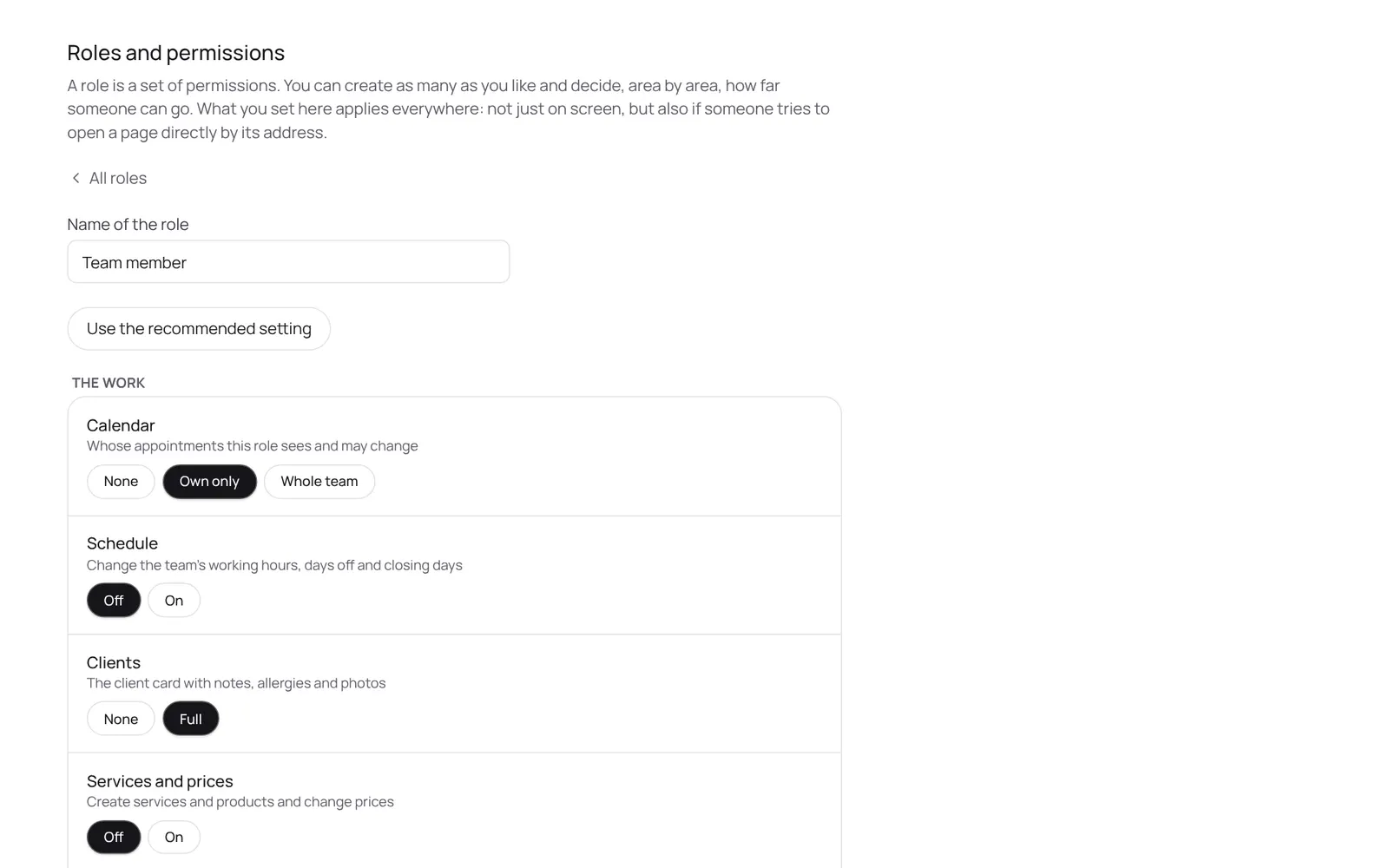
Inviting team members and deciding per role what someone may see and change. Each permission has a level: none, own only, or the whole team. The database enforces it too, not just the menu.
Where to find it
Where to find itSettings → Team → Roles and permissions
How it works
- Team members: Settings → Team → Team.
- Roles and permissions: Settings → Team → Roles and permissions.
- Only the owner or someone with the roles permission can change this.
Good to know
- Team members need the permission “Manage roles”. The owner sets this under Settings → Team → Roles and permissions.
If something doesn't work
My team member sees things they shouldn't, or doesn't see what they should.
Settings → Team → Roles and permissions: check which role they have and the level of each permission (none, own only, whole team). Opening a screen directly without permission shows nothing, because the database blocks it too.
Related guides
Did this guide help?
Still stuck?
In NOZAIA, open Support at the bottom of the sidebar (on your phone: in the menu under your name). It knows which screen you're on, and if it can't help, your question goes to our team.
Last checked 29 September 2026