



Gift cards
Ce guide est en anglais.
Selling gift cards at the counter or, if you turn it on, online. Redeem them at checkout.
Où le trouver
Où le trouverCe n’est pas un écran à part dans NOZAIA.
Comment ça marche
- Find the Gift cards screen through the search bar, or pin it to your menu bar (Settings → Look and navigation → Menu bar).
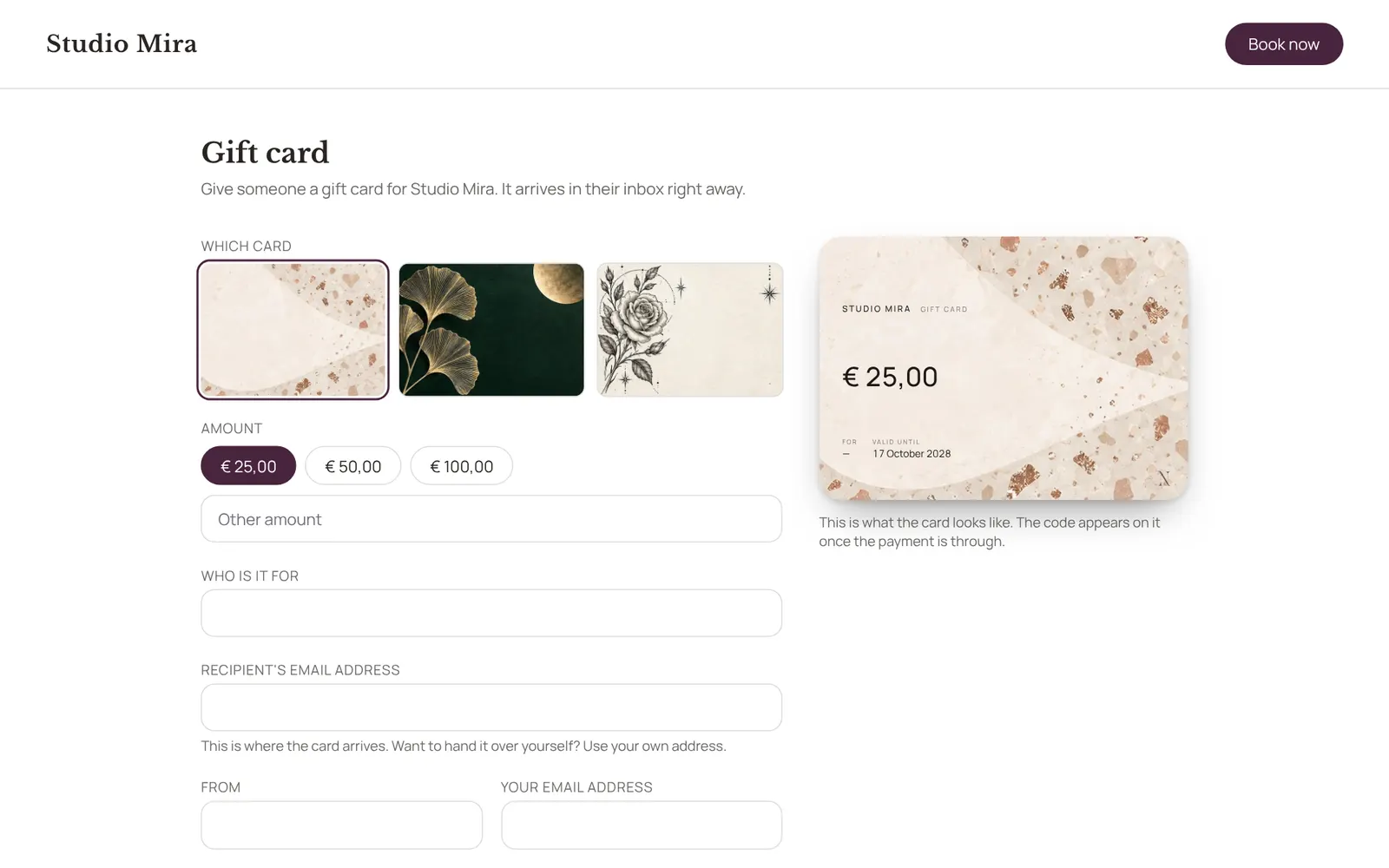
- New card: choose the design, the amount, who it's for and from, a personal message, and whether it's emailed to the recipient straight away; without an email address you get the code and hand it over yourself.
- The list shows per card what's left on it and what happened, and lets you resend, withdraw or reactivate it.
- Redeem it at checkout with the code.
- The design, amounts, validity and online sales are set under Settings → Sales → Gift cards.
- Needs the Checkout permission.
Bon à savoir
- Les membres de l’équipe ont besoin de l’autorisation « Checkout ». Le propriétaire la règle dans Settings → Team → Roles and permissions (l’app est en anglais).
Guides associés
- CampaignsAn email to a group of clients in your own branding. Only goes to clients who gave consent for offers and have an email address.
- AutomationsEverything NOZAIA sends to your clients by itself
- RemindersThe automatic reminder on or off
- RebookingWho is due for another appointment, based on their own rhythm
Ce guide vous a-t-il aidé ?
Vous êtes bloqué ?
Dans NOZAIA, ouvrez le Support en bas de la barre latérale (sur téléphone : dans le menu sous votre nom). Il sait sur quel écran vous êtes, et s’il ne peut pas aider, votre question part à notre équipe.
Vérifié le 29 septembre 2026