



Gift cards
Diese Anleitung ist auf Englisch.
Selling gift cards at the counter or, if you turn it on, online. Redeem them at checkout.
Wo du es findest
Wo du es findestDas ist kein eigener Bildschirm in NOZAIA.
So funktioniert es
- Find the Gift cards screen through the search bar, or pin it to your menu bar (Settings → Look and navigation → Menu bar).
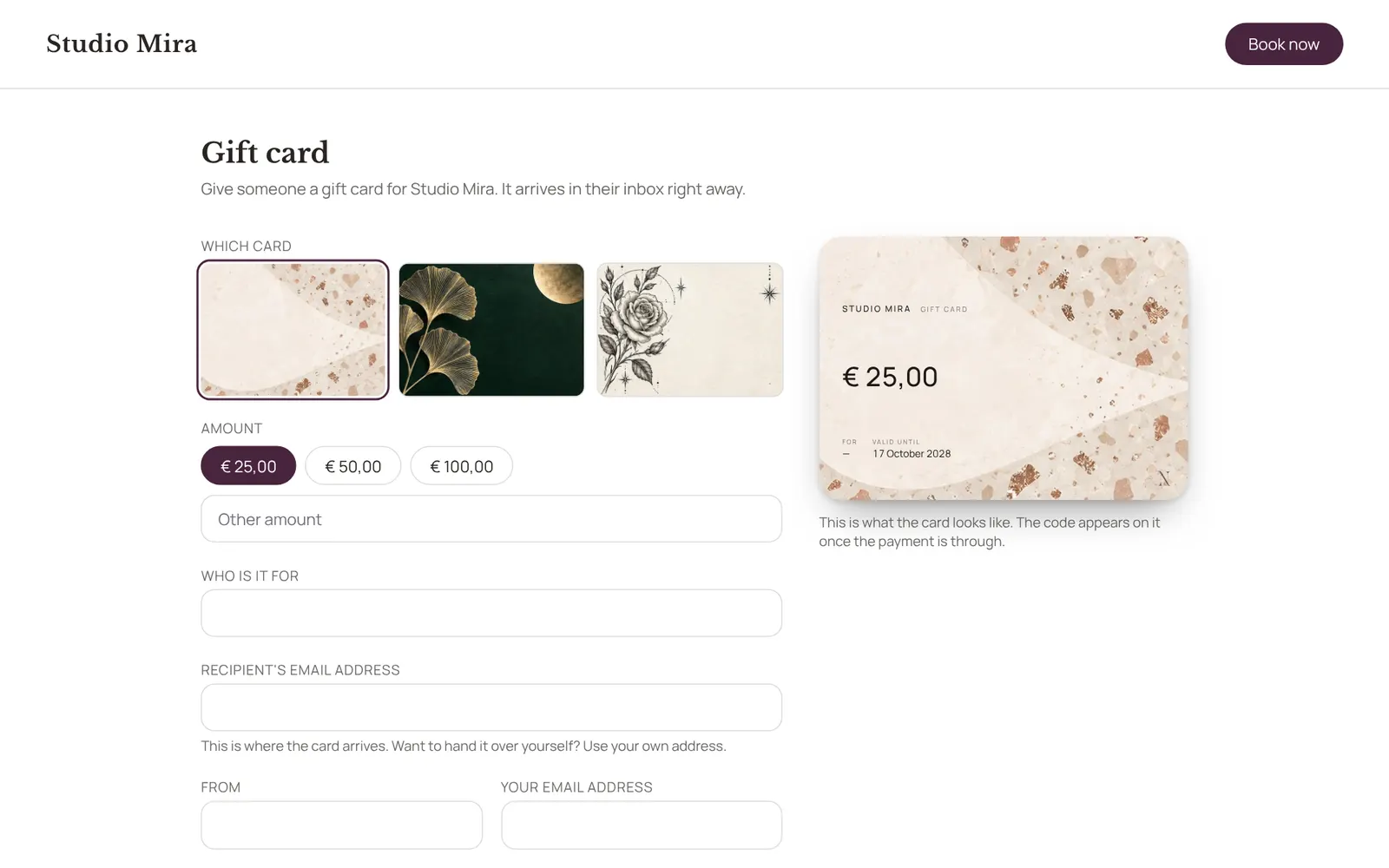
- New card: choose the design, the amount, who it's for and from, a personal message, and whether it's emailed to the recipient straight away; without an email address you get the code and hand it over yourself.
- The list shows per card what's left on it and what happened, and lets you resend, withdraw or reactivate it.
- Redeem it at checkout with the code.
- The design, amounts, validity and online sales are set under Settings → Sales → Gift cards.
- Needs the Checkout permission.
Gut zu wissen
- Teammitglieder brauchen die Berechtigung „Checkout“. Die Inhaberin oder der Inhaber legt das unter Settings → Team → Roles and permissions fest (die App ist auf Englisch).
Passende Anleitungen
- CampaignsAn email to a group of clients in your own branding. Only goes to clients who gave consent for offers and have an email address.
- AutomationsEverything NOZAIA sends to your clients by itself
- RemindersThe automatic reminder on or off
- RebookingWho is due for another appointment, based on their own rhythm
Hat dir diese Anleitung geholfen?
Kommst du nicht weiter?
Öffne in NOZAIA den Support unten in der Seitenleiste (auf dem Handy: im Menü unter deinem Namen). Er weiß, auf welchem Bildschirm du bist, und wenn er nicht helfen kann, geht deine Frage an unser Team.
Zuletzt geprüft am 29. September 2026