



Gift cards
Selling gift cards at the counter or, if you turn it on, online. Redeem them at checkout.
Where to find it
Where to find itThis isn't a screen of its own in NOZAIA.
How it works
- Find the Gift cards screen through the search bar, or pin it to your menu bar (Settings → Look and navigation → Menu bar).
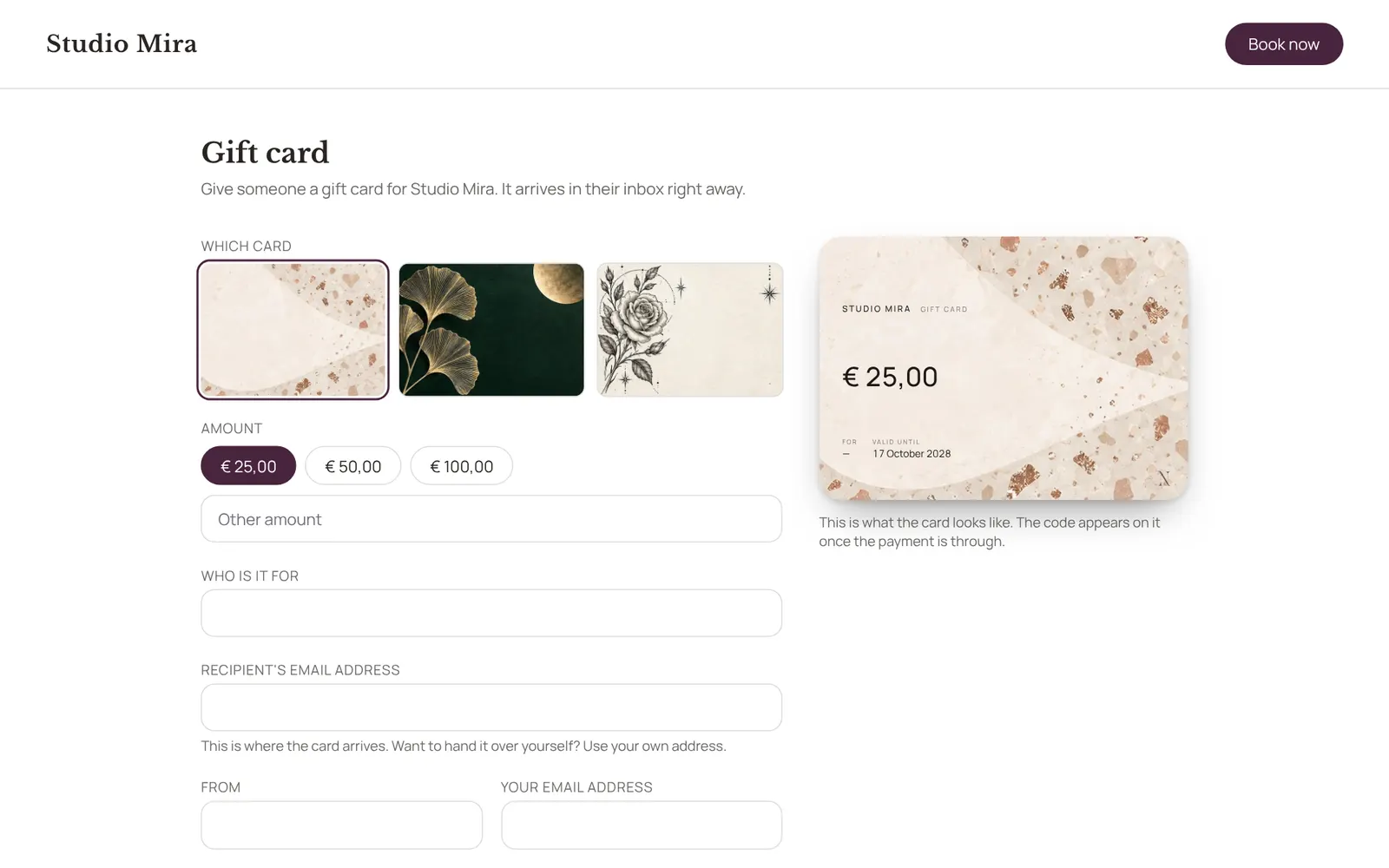
- New card: choose the design, the amount, who it's for and from, a personal message, and whether it's emailed to the recipient straight away; without an email address you get the code and hand it over yourself.
- The list shows per card what's left on it and what happened, and lets you resend, withdraw or reactivate it.
- Redeem it at checkout with the code.
- The design, amounts, validity and online sales are set under Settings → Sales → Gift cards.
- Needs the Checkout permission.
Good to know
- Team members need the permission “Checkout”. The owner sets this under Settings → Team → Roles and permissions.
Related guides
- CampaignsAn email to a group of clients in your own branding. Only goes to clients who gave consent for offers and have an email address.
- AutomationsEverything NOZAIA sends to your clients by itself
- RemindersThe automatic reminder on or off
- RebookingWho is due for another appointment, based on their own rhythm
Did this guide help?
Still stuck?
In NOZAIA, open Support at the bottom of the sidebar (on your phone: in the menu under your name). It knows which screen you're on, and if it can't help, your question goes to our team.
Last checked 29 September 2026