



Atelier: designing Instagram posts
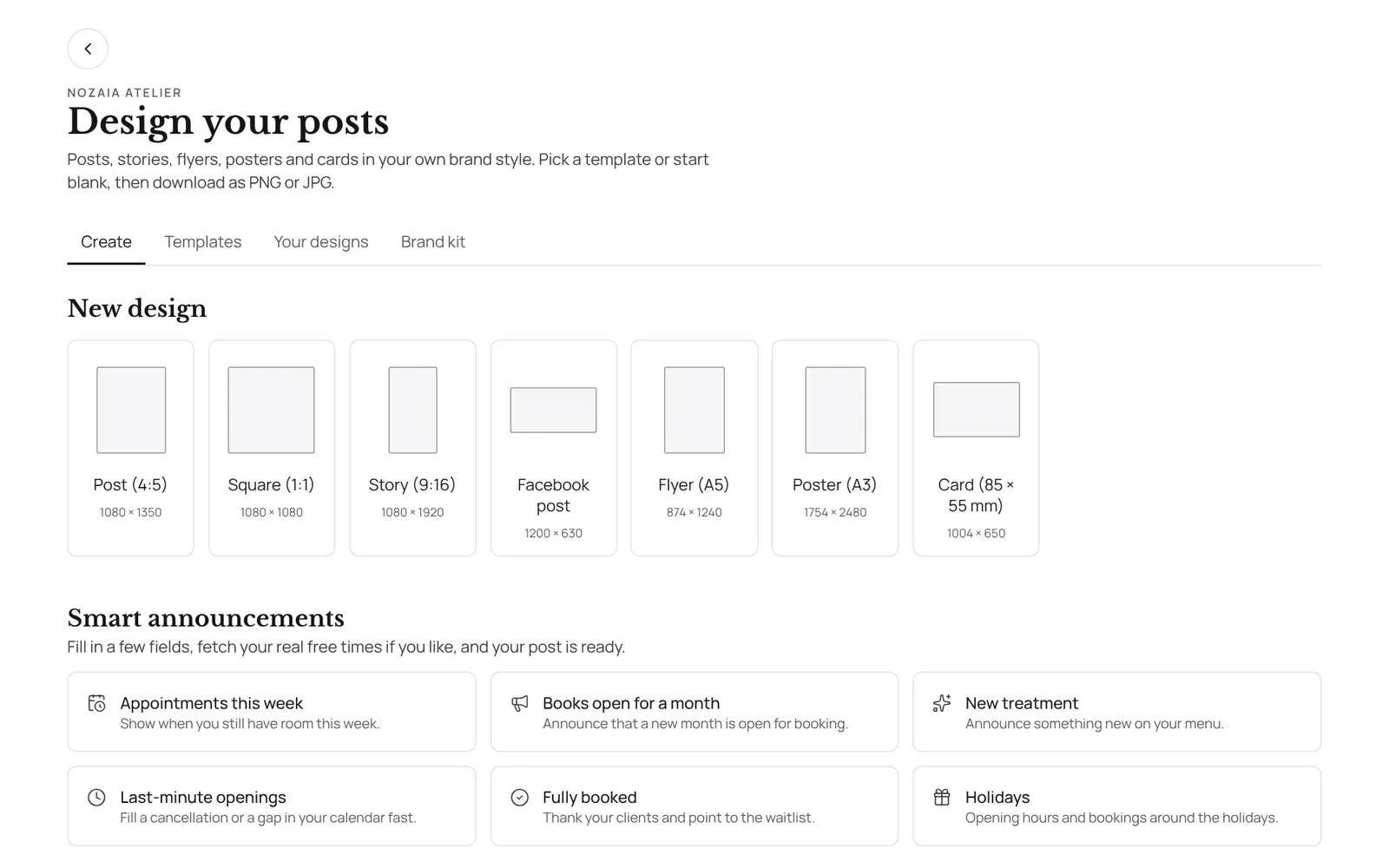
Create Instagram posts and stories in your own brand style, with thirty templates, your own photos and your brand colours. You download it as PNG or JPG and post it yourself.
Where to find it
Where to find itSettings → Marketing and messages → Atelier
How it works
- Atelier in the menu under Marketing.
- Choose a format, a template or a smart announcement.
- In the editor, tap something to move, rotate or resize it; double-tap text to type.
- On a phone, one tap on an element opens the menu below the design straight away, and a second tap on a text (or the Edit text button) puts you in the text.
- Everything saves by itself.
- Academy certificates are designed here too.
- Download gives you the file at full size.
- For an announcement you can fetch your real free times from the calendar.
Good to know
- Team members need the permission “Marketing”. The owner sets this under Settings → Team → Roles and permissions.
- Whether this is included depends on your plan. See plans
If something doesn't work
I keep getting a message that the design was changed elsewhere.
That was a bug fixed on 15 October 2026. Refresh the page. If the message comes back while nobody else is working on it, create a report.
Related guides
- CampaignsAn email to a group of clients in your own branding. Only goes to clients who gave consent for offers and have an email address.
- AutomationsEverything NOZAIA sends to your clients by itself
- RemindersThe automatic reminder on or off
- RebookingWho is due for another appointment, based on their own rhythm
Did this guide help?
Still stuck?
In NOZAIA, open Support at the bottom of the sidebar (on your phone: in the menu under your name). It knows which screen you're on, and if it can't help, your question goes to our team.
Last checked 17 October 2026