



Booking an appointment for a client
Esta guía está en inglés.
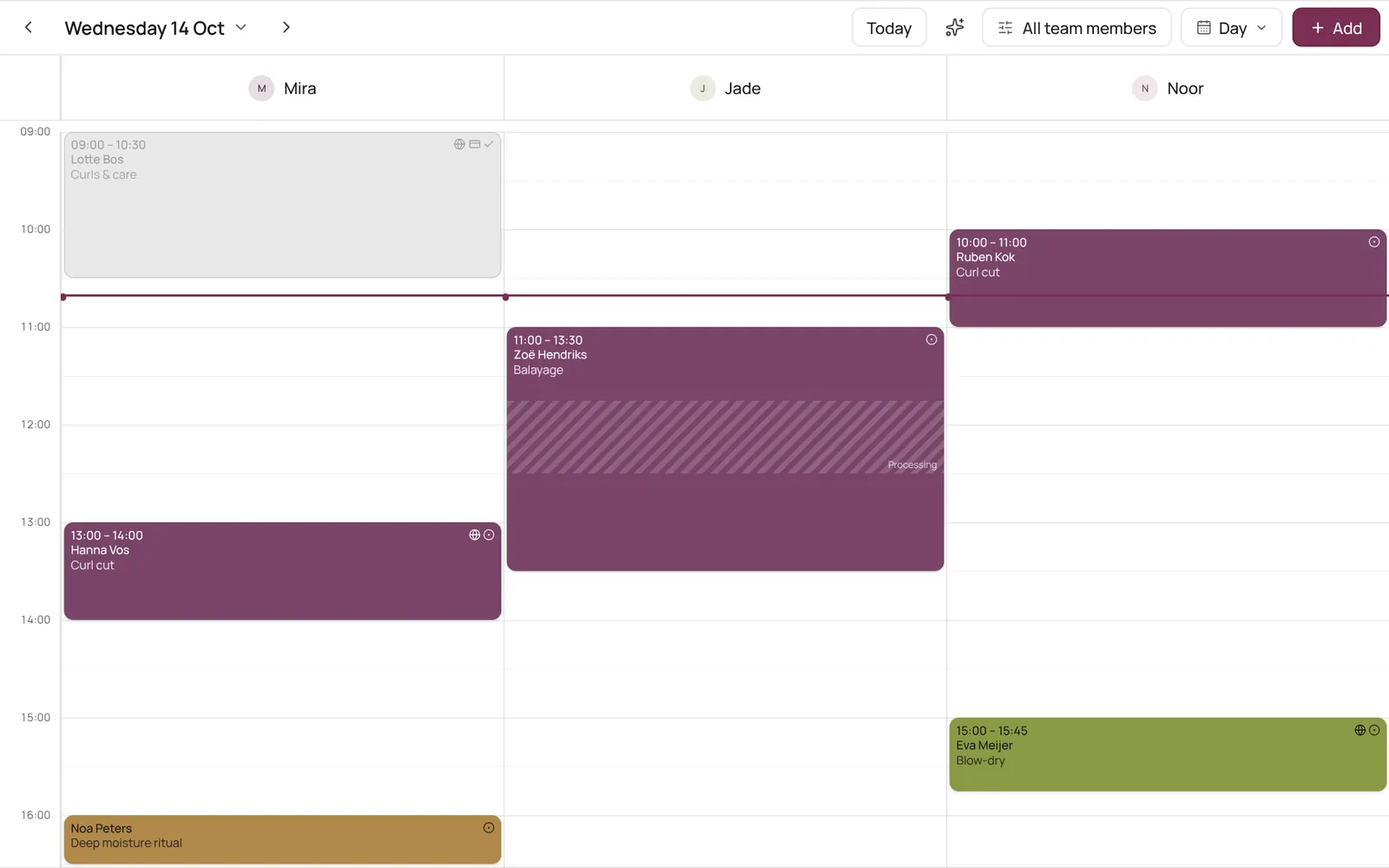
Scheduling an appointment from the calendar: choose client, treatment, team member, time, and optionally repeat.
Dónde encontrarlo
Dónde encontrarloMenu bar → Calendar
Cómo funciona
- Tap the time in the calendar, or Add → Appointment.
- The team member is preselected if you tapped in their column or only view their calendar.
- The team member list only shows who does this treatment; the button below shows the others too.
Conviene saber
- Los miembros del equipo necesitan el permiso “Calendar”. El propietario lo configura en Settings → Team → Roles and permissions (la app está en inglés).
Configura esto primero
Si algo no funciona
A team member isn't in the list when I pick a treatment.
Only those who do the treatment are listed. Turn the team member on in the treatment under Who does this treatment (Settings → Sales → Services), or tap Also show who doesn't do this treatment below the list.
Guías relacionadas
- CalendarYour appointments per day, per 3 days, per week or as a list; your choice is remembered. The day view has a column per team member, the week and 3-day views a column per day. Filter by team member at the top.
- Calendar coloursEach appointment is a solid block in one colour, with white or dark text, whichever reads best. The colour comes from the treatment, otherwise its category, otherwise the team member. Completed appointments are faded; a request has a dashed border.
- Blocked time and time offRecord a break, training, meeting or time off so nothing can be booked in it. A whole day off (type Time off, six hours or more) shows as a bar at the top of the day in the team member's colour.
¿Te ha servido esta guía?
¿Sigues atascado?
En NOZAIA, abre Soporte abajo en la barra lateral (en el móvil: en el menú bajo tu nombre). Sabe en qué pantalla estás y, si no puede ayudarte, tu pregunta llega a nuestro equipo.
Revisado el 29 de septiembre de 2026