



Spaces
Ce guide est en anglais.
Your halls and spaces per week, holds, viewings and buffers
Où le trouver
Où le trouverEvents → Spaces
Comment ça marche
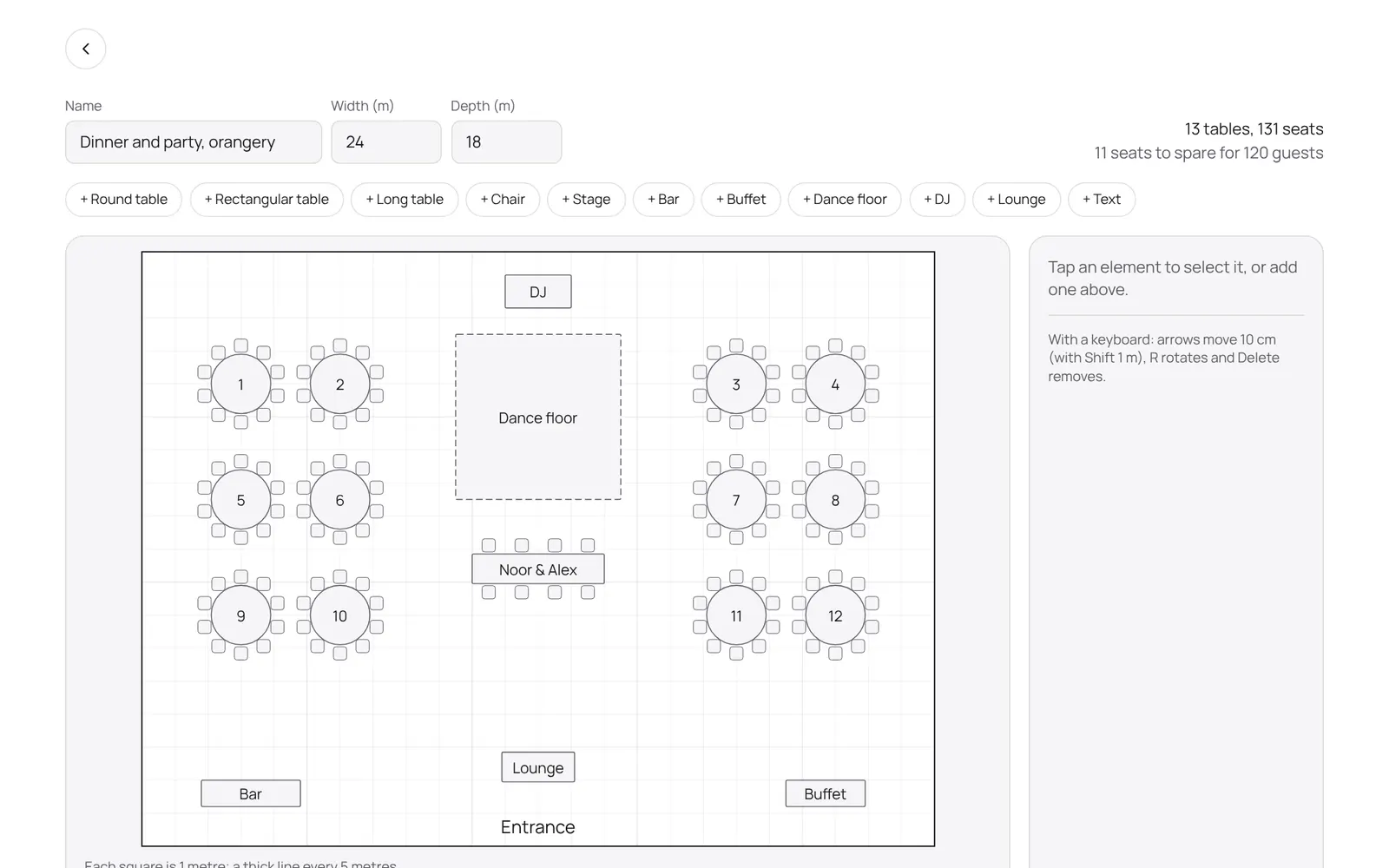
- Under the Spaces tab you add your halls, garden or terrace with seated and standing capacity, the size and buffers (minutes before and after an event for setup, teardown and cleaning).
- A space can be part of a larger one: when the large hall is booked its parts are taken, and the other way round.
- Under Planning you see per week per space the events, holds (provisional, dotted), viewings and blocks.
- Tap + in a cell to book; the form tells you straight away what clashes.
- Double booking is not possible.
- Turn a hold into a confirmed booking with Confirm.
- Under Viewings are the upcoming tours with the visitor's name and phone.
- On an event you book the space in the Spaces block, with the free spaces and whether the guests fit.
Bon à savoir
- Les membres de l’équipe ont besoin de l’autorisation « Events ». Le propriétaire la règle dans Settings → Team → Roles and permissions (l’app est en anglais).
Guides associés
- OverviewThe NOZAIA Events overview: upcoming events, new inquiries, what is in the quote stage, today's tasks and what is overdue. Only for a business that picked an event type under Business type (planning, rentals, styling or venue).
- My dayYour events, runs and tasks for today and the coming week
- InquiriesWhat comes in through your site, and what you note yourself
- QuotesQuotes per event: send, acceptance, payment schedule
Ce guide vous a-t-il aidé ?
Vous êtes bloqué ?
Dans NOZAIA, ouvrez le Support en bas de la barre latérale (sur téléphone : dans le menu sous votre nom). Il sait sur quel écran vous êtes, et s’il ne peut pas aider, votre question part à notre équipe.
Vérifié le 11 octobre 2026