



Overview
Esta guía está en inglés.
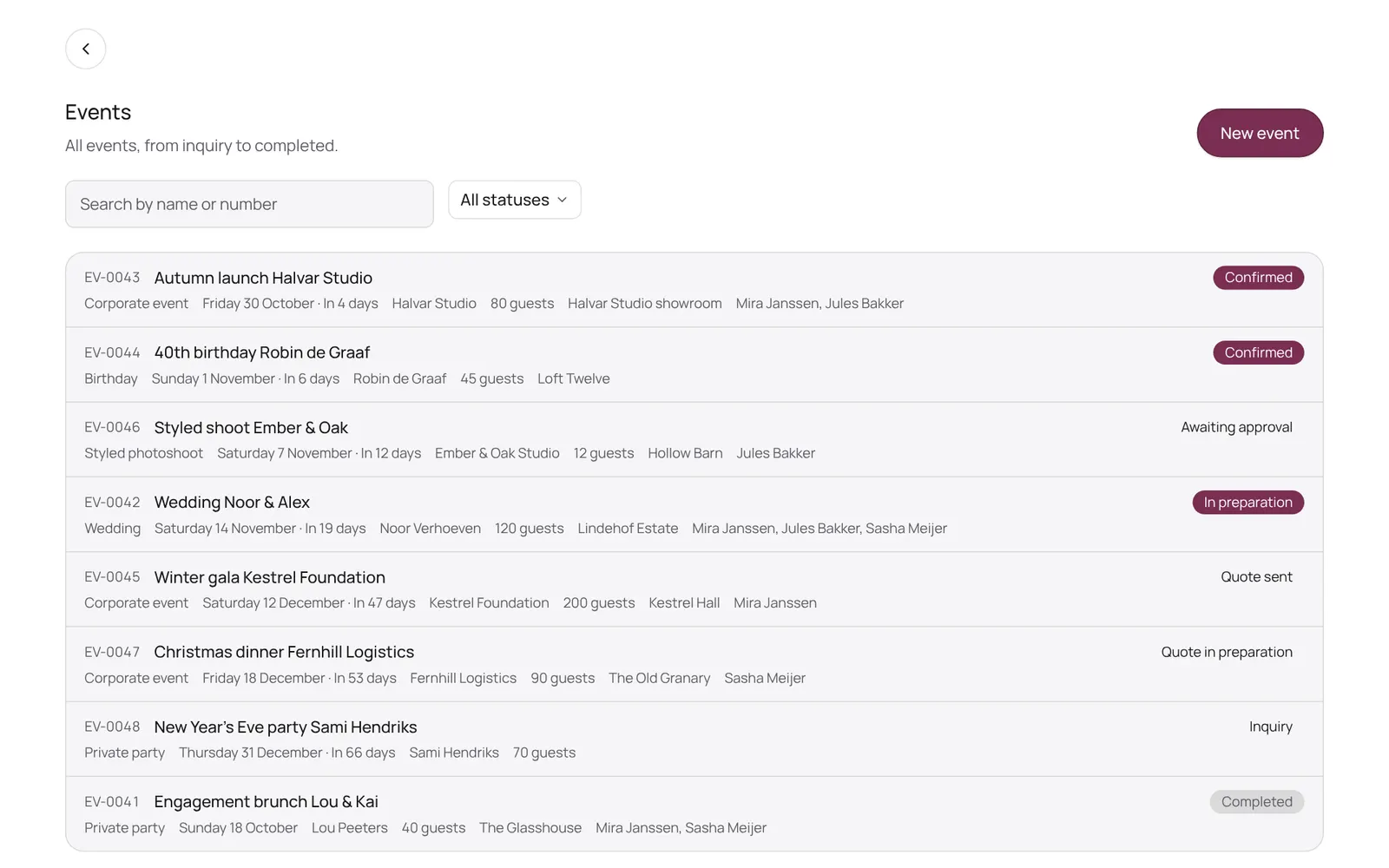
The NOZAIA Events overview: upcoming events, new inquiries, what is in the quote stage, today's tasks and what is overdue. Only for a business that picked an event type under Business type (planning, rentals, styling or venue).
Dónde encontrarlo
Dónde encontrarloSettings → Events → Overview
Cómo funciona
- Events in the sidebar.
- Every tile is a link: tap New inquiries and you land in the list with that filter.
- Under Needs attention are overdue tasks, inquiries whose follow-up date has passed, and events within a week without a team.
- Not seeing Events? First pick an event type under Settings → Business setup → Business type.
Conviene saber
- Los miembros del equipo necesitan el permiso “Events”. El propietario lo configura en Settings → Team → Roles and permissions (la app está en inglés).
Guías relacionadas
¿Te ha servido esta guía?
¿Sigues atascado?
En NOZAIA, abre Soporte abajo en la barra lateral (en el móvil: en el menú bajo tu nombre). Sabe en qué pantalla estás y, si no puede ayudarte, tu pregunta llega a nuestro equipo.
Revisado el 10 de octubre de 2026